
If you’re wondering if a video switcher will be necessary for your event, one question will clear it up: will you, at any point, have content that comes from more than one source? This includes videos that aren’t embedded into a presentation, live camera feeds, or overlaid graphics. If the answer is yes (and, odds are, the answer is yes), your event needs a video switcher (and someone to operate it – but we’ll get to that).
What is a video switcher? You may be wondering. Well, the answer is fairly simple. A video switcher is a hardware or a software that controls what the audience sees throughout an event.
The switcher receives content from multiple sources, like cameras, computers with graphics or presentations, media players, and more, and controls the output that is displayed for the in-person attendees, live streams, and recordings, when applicable.
A video switcher allows you to playback videos in the optimal quality, feature IMAG on screens, overlay graphics, like lower thirds, onto footage, and seamlessly switch between visuals, with smooth transitions and an overall professional look and feel.
Keep reading to learn more about video switchers.
Who Operates the Video Switcher?
The technician who operates the video switcher really depends on the size and scope of the event, as well as the size of the onsite crew.
For many events, the technical director, also referred to as the TD, is in charge of managing the video switcher and ensuring the right content is on screen at the right time.
However, in some smaller productions with skeleton crews, the show’s director may also be operating the video switcher. Of course, this is a path that should be taken with caution, as the director has a variety of responsibilities during the show and if a challenge does arise, may be limited in what they can do if they’re stuck behind the video switcher.
On the other hand, for much larger productions with a variety of technical positions, a dedicated video engineer may operate the video switcher.
How Does it Work?
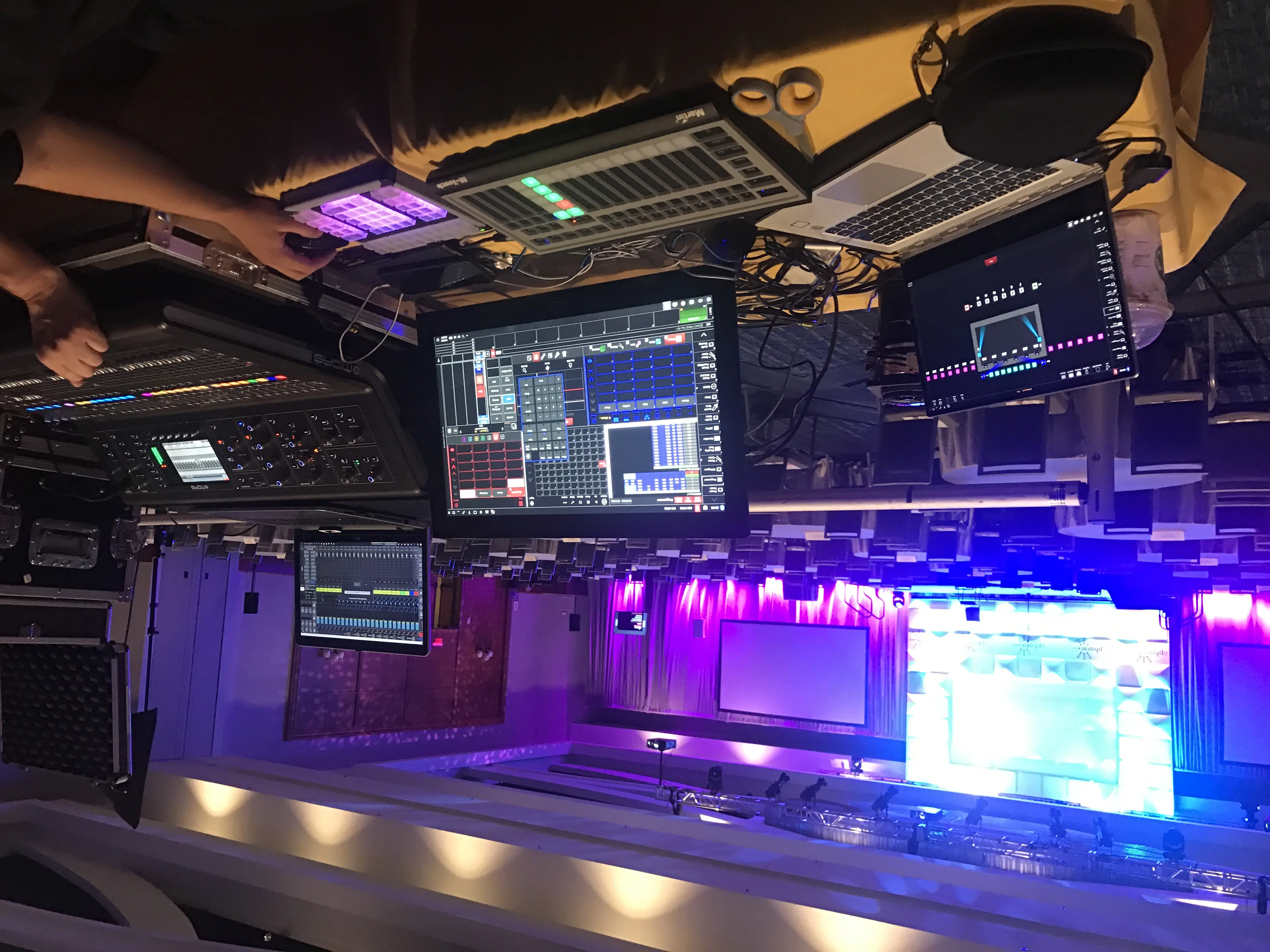
The technical director or video engineer receives signals from a variety of input sources, like cameras, graphics computers (with lower thirds, logos, or other prepared overlay graphics), video playback, presentations, and more. Using the switcher, they cut between the different sources and apply different effects, as needed, like green screen or picture-in-picture content.
They work closely with the show caller and director, as well as consult the run of show, to make sure the right content is live at the right time.
The Display.
Most switchers utilize two displays. The first, the “program” display, shows the live feed, or what the audience is currently seeing. The second display is the “preview”, which allows the technical director or video engineer running the switcher to select the next shot before bringing it live.
When the time comes, the TD or video engineer pushes the “preview” content into the “program” slot, allowing it to transition seamlessly.
These transitions can also use fades, wipes, and dissolves to make it smoother or more visually interesting.
Types of Video Switchers.
There are two primary types of video switchers: hardware and software.
Hardware switchers
Hardware switchers refer to physical machines that are present during live events. These dedicated units are known for being reliable and user friendly, as they are specifically designed for the live event space. With the ability to mix multiple HDMI or SDI video sources, high-end models even have built-in digital effects, chroma keying for green screens, and multiview outputs so that more than just the program and preview content is visible for technicians.
Hardware video switches are standard in live events because of how reliable they are and how much control they give technicians over transitions, keying, and overlays.
Some popular brands are Blackmagic, Ross Video, DataVideo, and Roland.
Software switchers
Software switchers, on the other hand, are run from a computer or tablet. Like hardware, they allow for real-time, multi-camera, and media-based production. Some software may have streaming capabilities, as well as encoding or other virtual abilities built into it.
Software solutions are typically much more affordable than hardware, but they aren’t nearly as robust and, most importantly, reliable. Because of this, you’re much less likely to see them used in a live environment where content is coming from multiple sources and a reliable experience is vital to the success of the event.
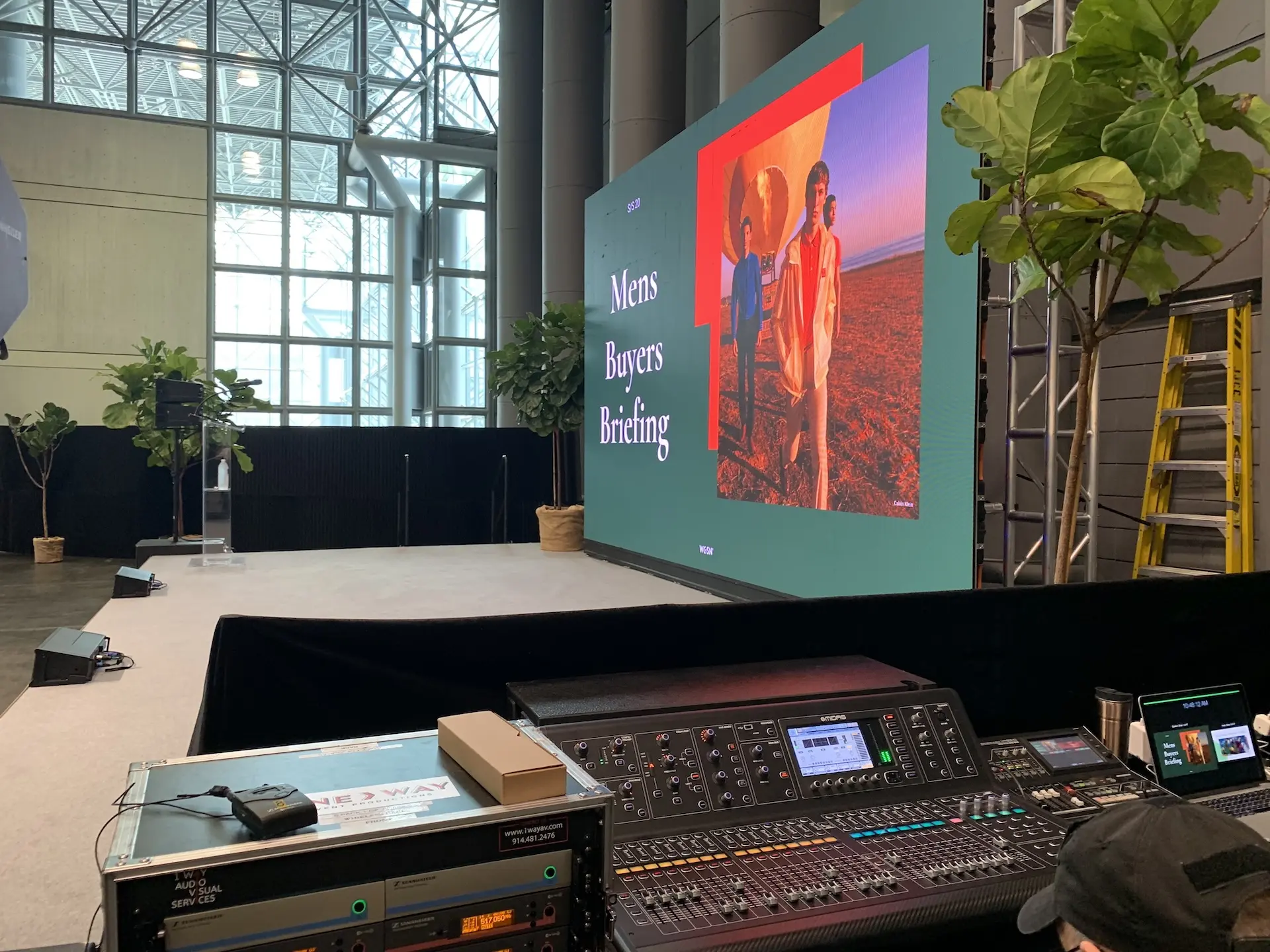
A video switcher, and a top technical team to operate it, is something that the success of every event heavily relies upon for the sole reason that it controls each and every visual the audience sees, how your presenters are able to interact with their content, and the overall message you share.